Login Wireframes
There will be two separate login pages for different kinds of users:
- Login page for bankers
- Login page for agents and superusers (Foretech users)
Both are explained below
Banker Login
The login page for a banker user is shown below.
The page URL that is supplied to the bank users will have bank's shortname passed as the request query parameter. Due to that, the page will have the bank logo, bank name and the UI theme for the bank already applied to it.
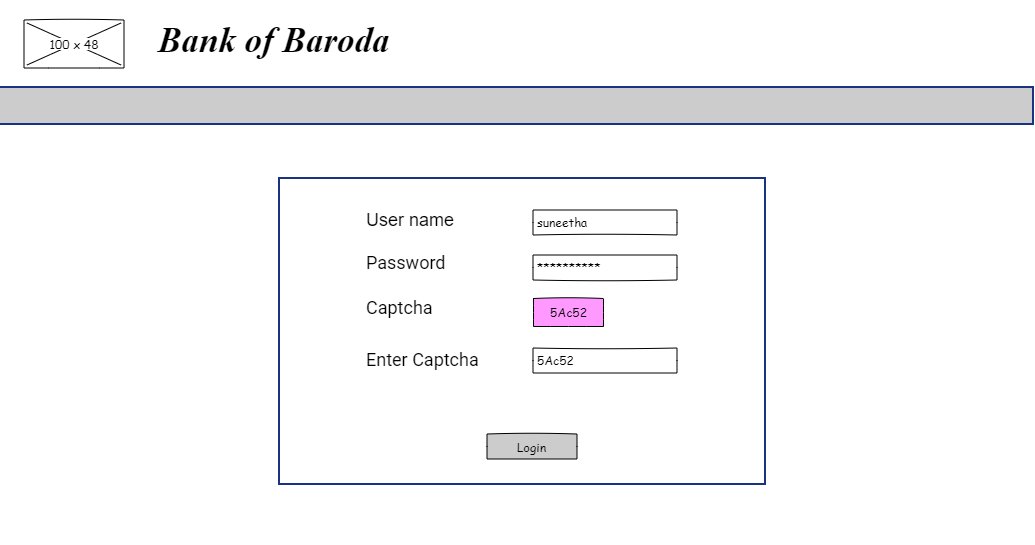
Please refer to banker login validations
Landing Page
On a successful login, you get to the landing page which shows a task list specific to the logged in user.
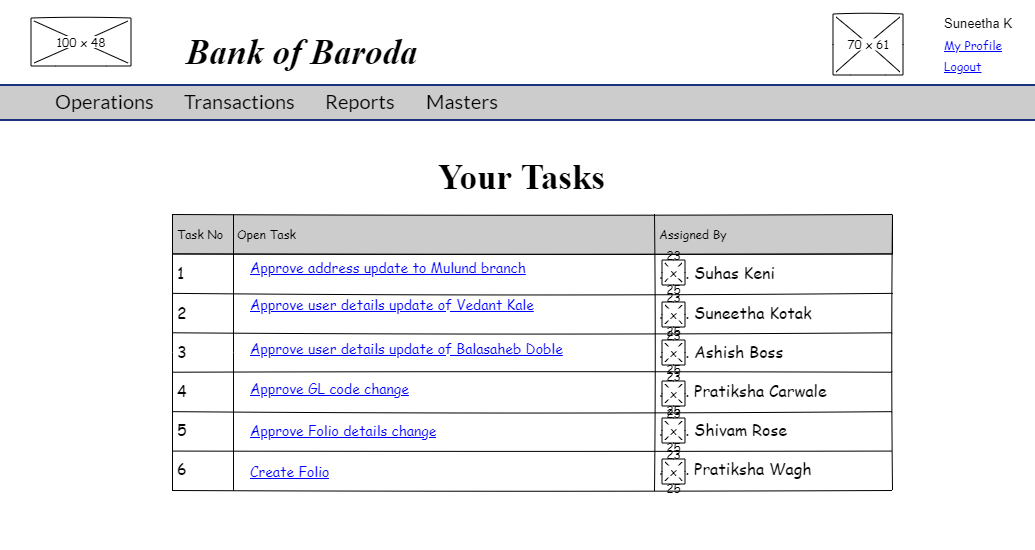
When clicked on a particular task, you will be directed to the page that is specific to that task.
Approval Workflow
The change approval page appears when an approval task is clicked.
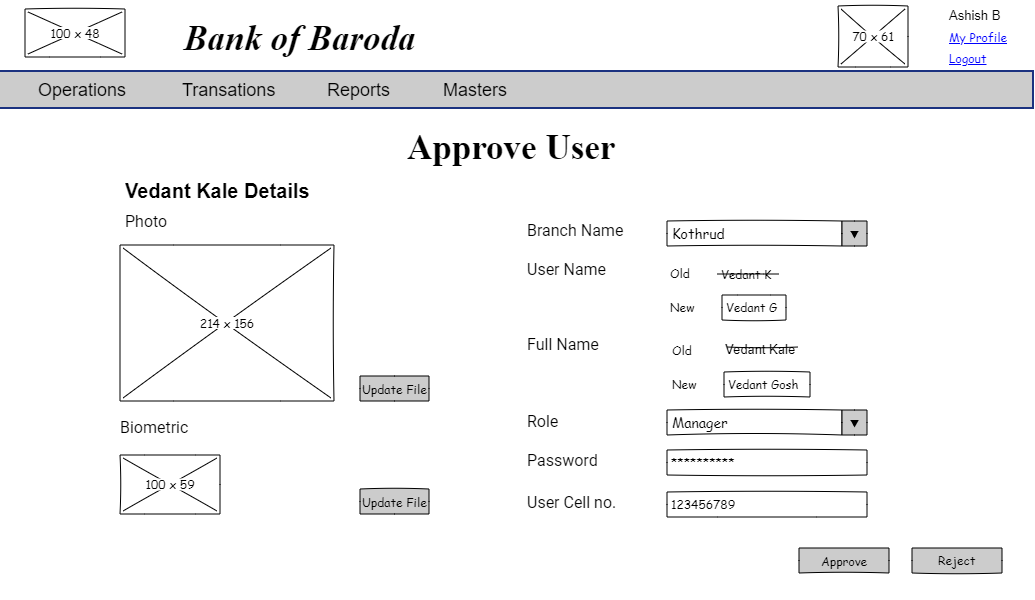
You will review the user detail change and click on "Approve" or " Reject" button as required.
If "Approve" button is clicked, the user detail change will be saved with an information message and you will be redicrected to approval task list page.

If "Reject" button is clicked, the user detail change will not be saved with an information mesage and you will be redirected to approval task list page.

Masters List
When you click the "Masters" menu, it would take you to the master list page. The page lists the masters based on the user's responsibilities.
Each master entry is a link that takes one to the master.
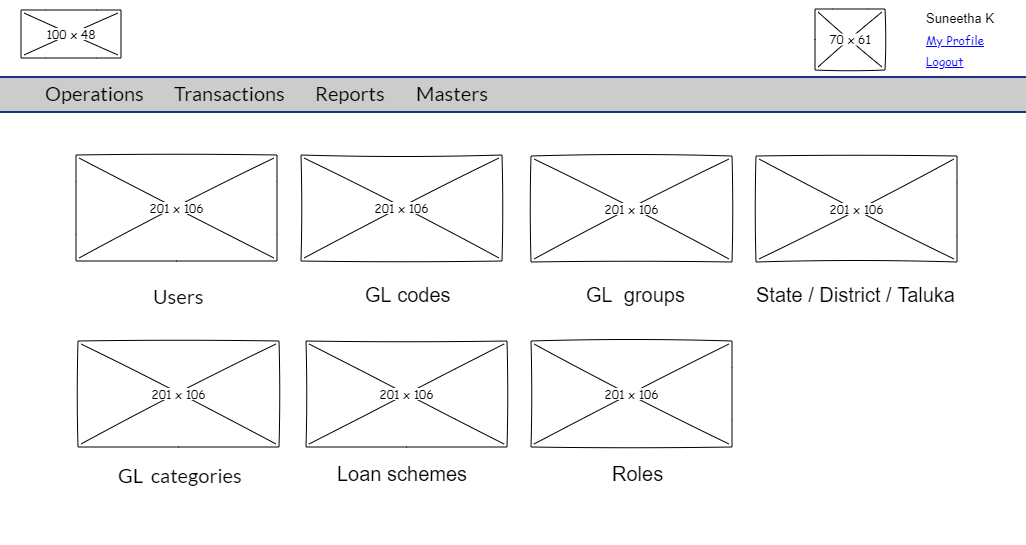
For further functionality, refer to:
- User Master
- TODO add others as they come
Agent / Superuser Login
The starting point for an agent or superuser is the Foretech login page.
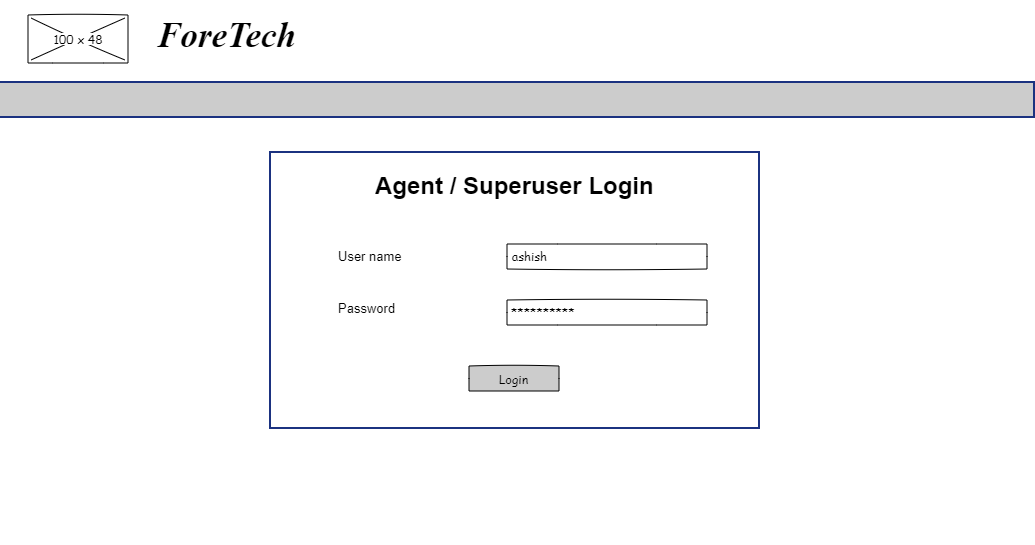
On successful verification of "user name " and "password", the agent / superuser will be directed to enter OTP sent to registered mobile number and email.
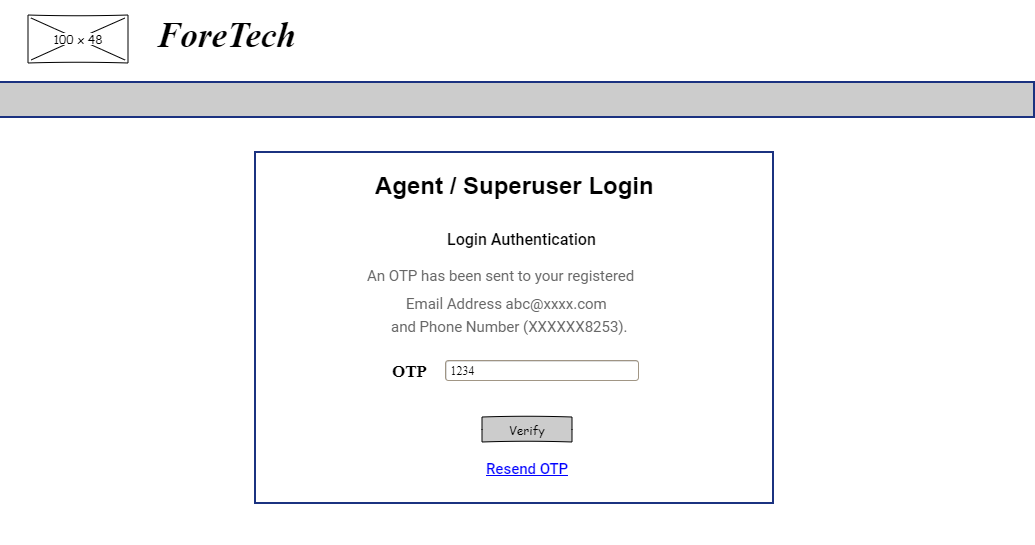
On successful verification of OTP, agent / superuser will be logged in.
Bank List
On a successful login, the user is directed to the bank list.
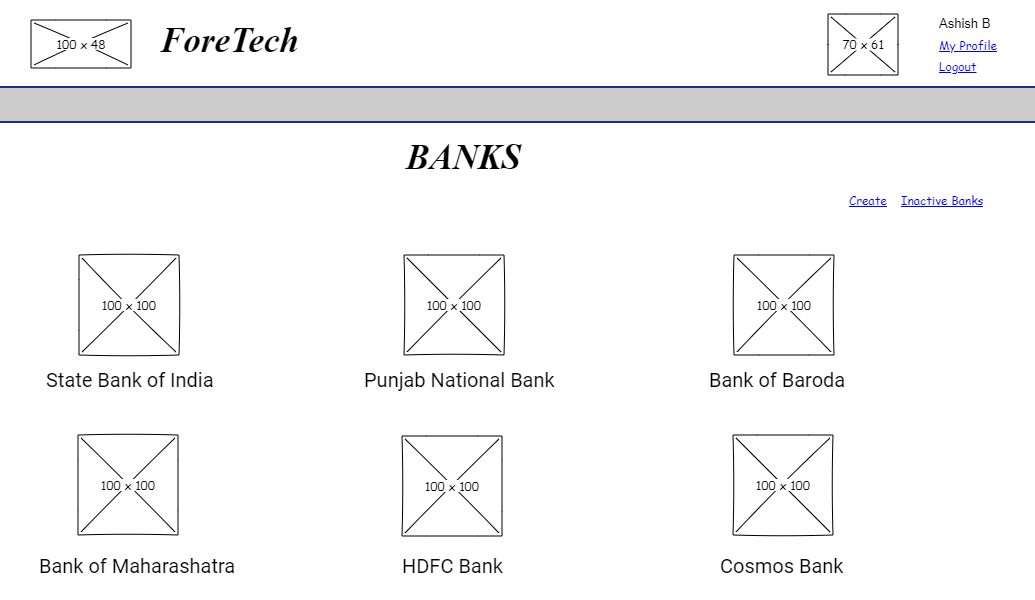
Each bank name is a link that takes the user to the bank pages.
Further functionality is covered under: